Schema Contracts
A GraphQL schema contract allows you to define subsets of your schema that can be distributed to different consumers.
Overview
You may have a GraphQL schema that contains a lot of information that is only relevant to your internal business, but also want to share parts of your GraphQL schema with external developers and teams. Schema contracts allow you to split your GraphQL schema into multiple subsets that can be shared with different consumers.
Each defined contract is deeply embedded into the Hive workflows for schema publishing and schema checks.
For each contract definition, Hive runs:
- Schema Checks. Ensure you are not accidentally breaking contract schema consumers.
- Schema Publishing. Contract schemas are published to the schema registry as part of the schema publishing process. Each valid contract version is published to the high-availability CDN (SDL and Supergraph).
Federation Contracts
In Federation subgraphs, fields can be tagged with the @tag directive.
extend schema
  @link(
    url: "https://specs.apollo.dev/federation/v2.0"
    import: [
      "@key"
      "@tag" # Tag Directive Import
    ]
  )

type Product @key(fields: "id") {
  id: ID! @tag(name: "public")
  name: String! @tag(name: "public")
  price: Int! @tag(name: "public")
  topCustomers: [User!]!
}

type Query {
  product(id: ID!): Product @tag(name: "public")
}
The provided value for the name argument is used to tag fields or types. Later on the values (e.g.
public) can be used to define a contract within Hive.
If you have the following subgraph.
extend schema
  @link(
    url: "https://specs.apollo.dev/federation/v2.0"
    import: [
      "@key"
      "@tag" # Tag Directive Import
    ]
  )

type Query {
  a(id: ID!): Int @tag(name: "public")
  b(id: ID!): Int
}
The public graph will look like the following.
type Query {
  a(id: ID!): Int
  b(id: ID!): Int
}
If you now set up a contract that only includes fields tagged with @tag(name: "public") the
contract graph will look like the following.
type Query {
  a(id: ID!): Int
}
Define a Contract
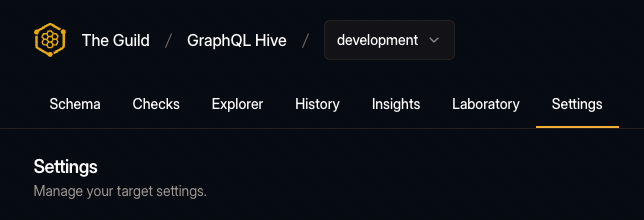
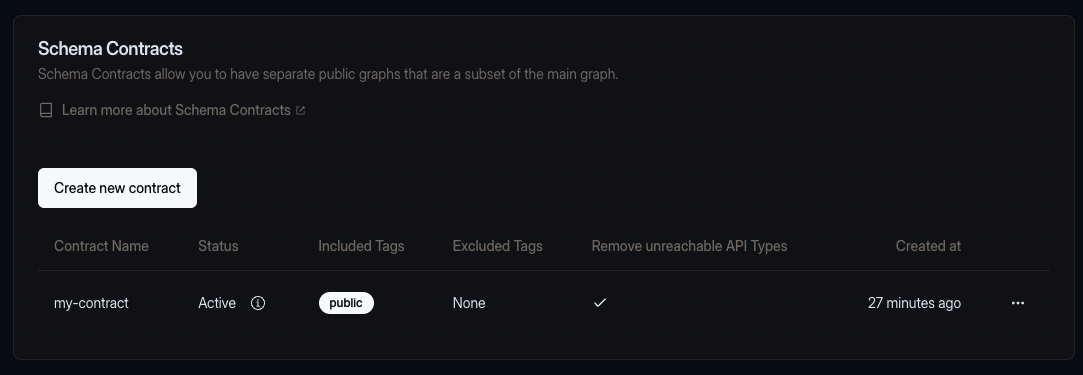
Contracts are defined within the Hive application. You can define a contract by navigating to the Target settings.
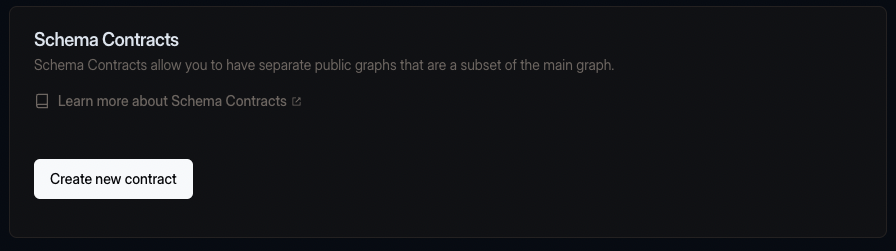
On the settings page, there is a schema contracts section.
Click the "Create new contract" button to create a new contract.
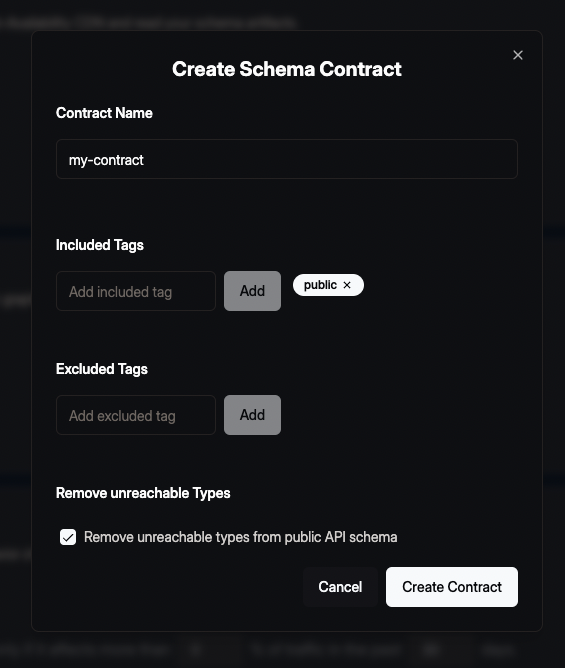
Within the dialogue, you need to define the name of the contract and the filter.
The contract name must be unique within the target. There can not be two contracts with the same name.
For the filter, you at least need to define one include or one exclude tag. We recommend using include tags over exclude tags as they are more explicit (and it is less likely you accidentally add something to a contract schema that you wanted to omit).
E.g. if you are using Apollo Federation you should use the name argument value of @tag
directives.
Additionally, you can also remove unreachable types from the public API schema. That means that all types that are not accessible from the root Query, Mutation and Subscription type will be removed from the public API schema.
After that, press the "Create Contract" button to create the contract.
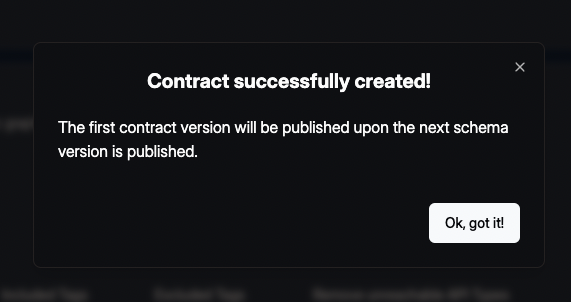
If the contract creation succeeds you will see the success modal. Close the modal and you will now see the contract in the schema contracts section.
The contract is now active and used for subsequent schema checks and schema publishing runs within the target. Note that the first contract version will only be published after the next schema is published within the target.
Contracts in Schema Checks
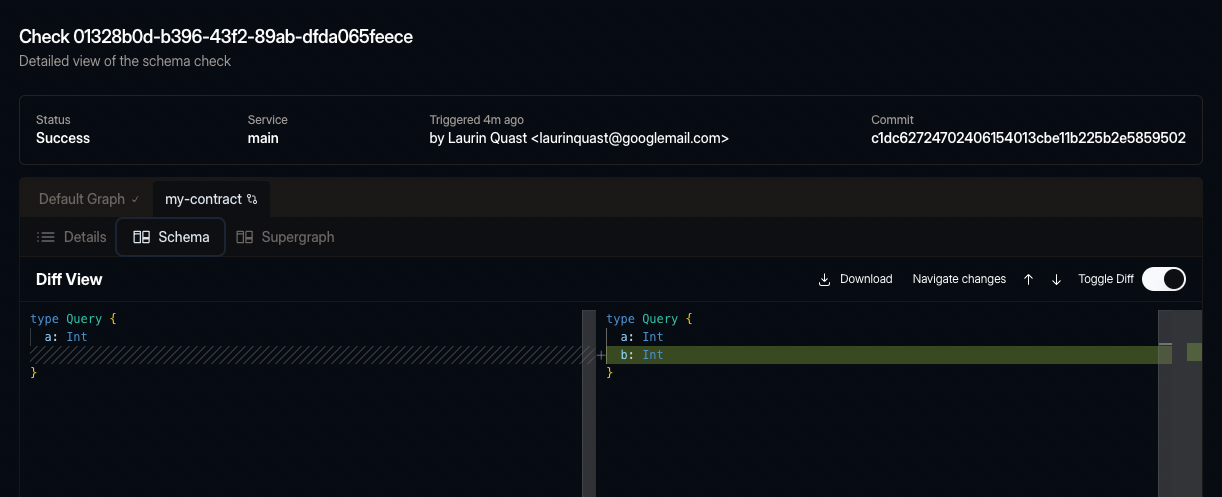
When you run a schema check, Hive will run the schema check for each contract definition. That means if the composition of the contract schema is not valid, or the contract schema contains breaking changes, the schema check will fail.
Contracts in Schema Publishing
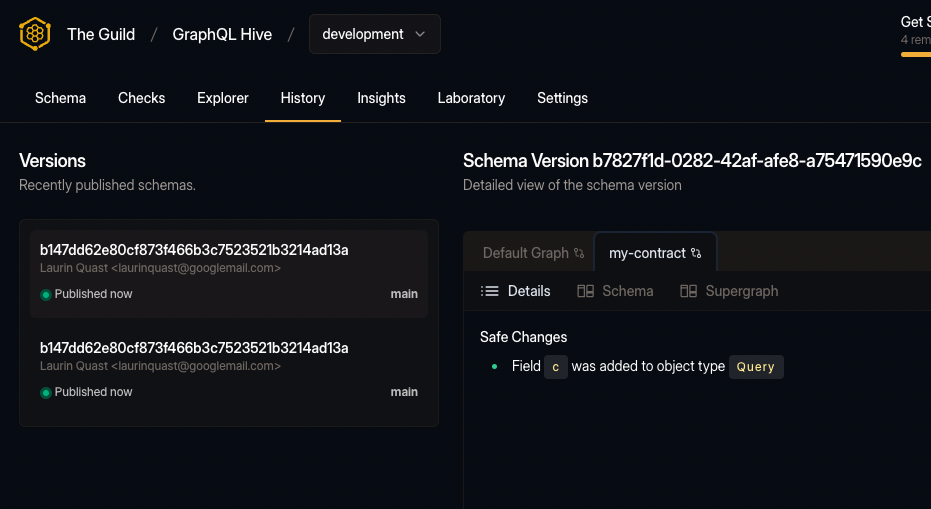
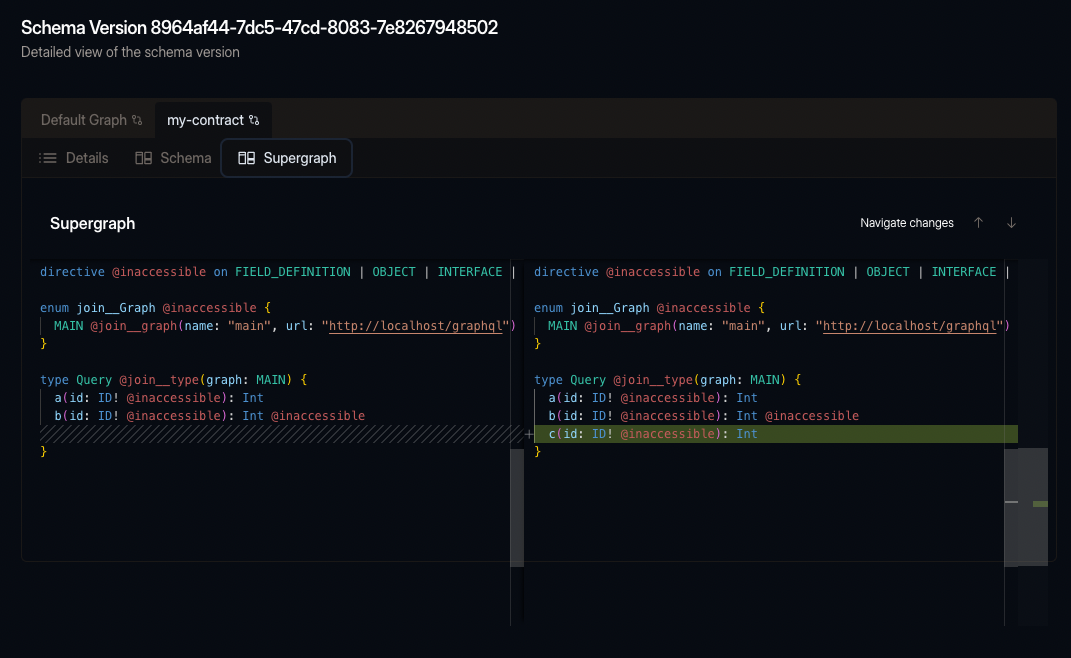
Hive will publish the contract schema to the schema registry when you run a schema publishing run. Within the History view of a target, you can see how the contract schema has evolved.
You can also see the direct changes on the SDL or Supergraph to the previous schema version.
Access Contract CDN Artifacts
Artifacts such as the SDL and Supergraph of a contract are available on the High-Availability CDN. Within the "Connect to CDN" modal, you can find the URLs for accessing the contract artifacts.
Right now, contracts are only supported for Federation projects. If you want to use contracts with a non-federated project please let us know.
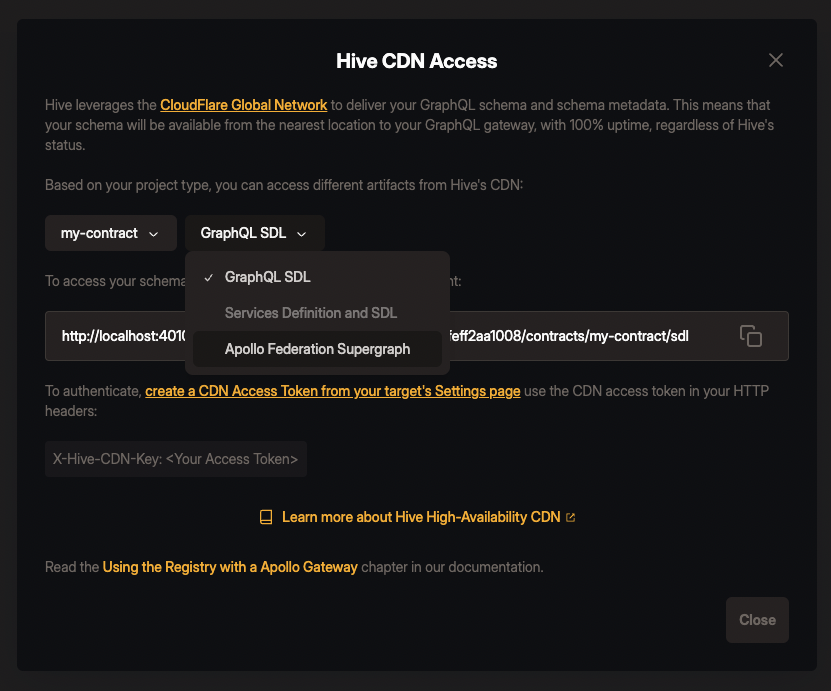
Serving a Contract Schema
Point your Hive Gateway or Apollo Router instance to the supergraph of the contract schema:
https://cdn.graphql-hive.com/artifacts/v1/<target_id>/contracts/<contract_name>/supergraph